
Mera Ekyc
Tools
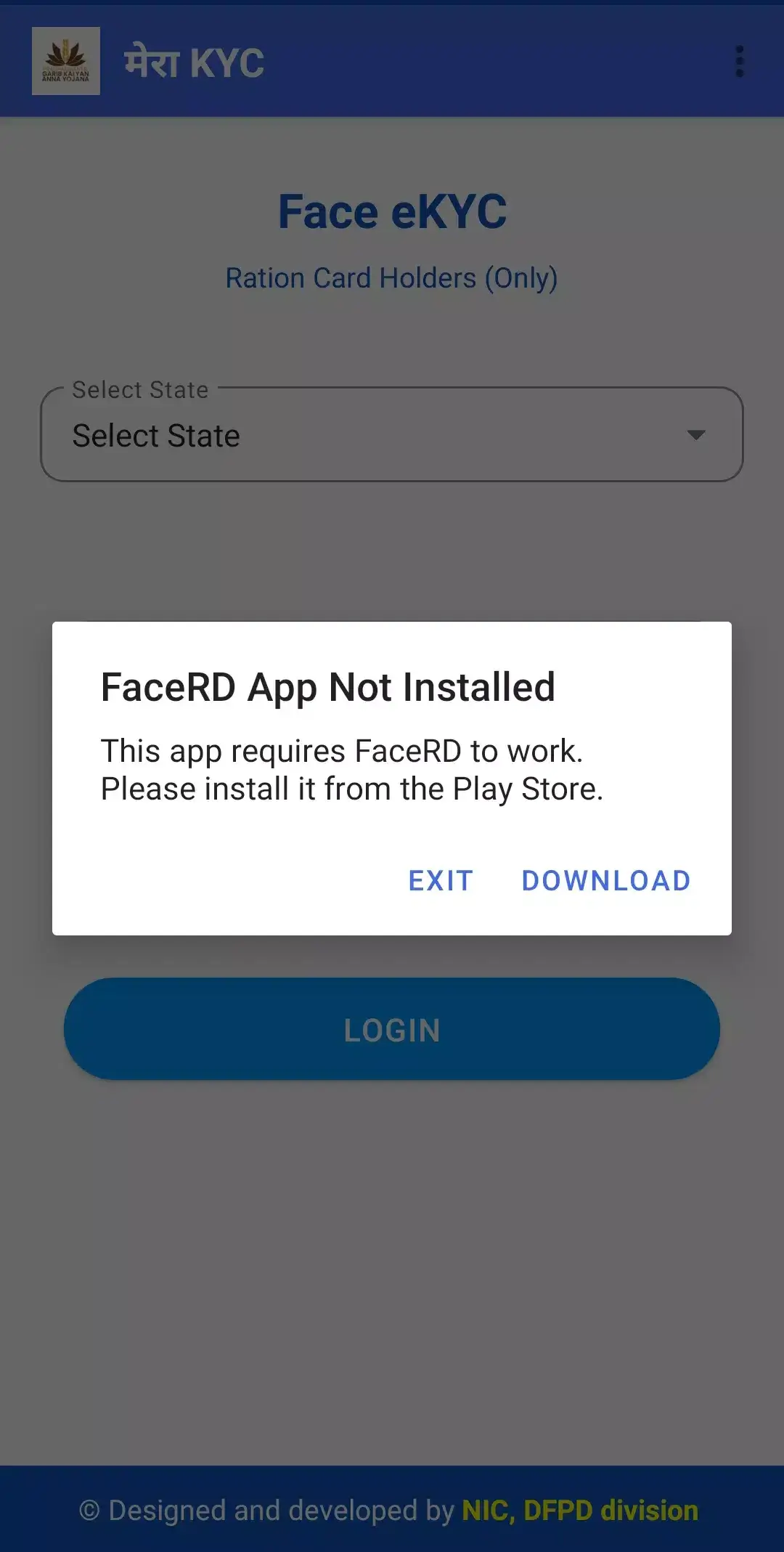
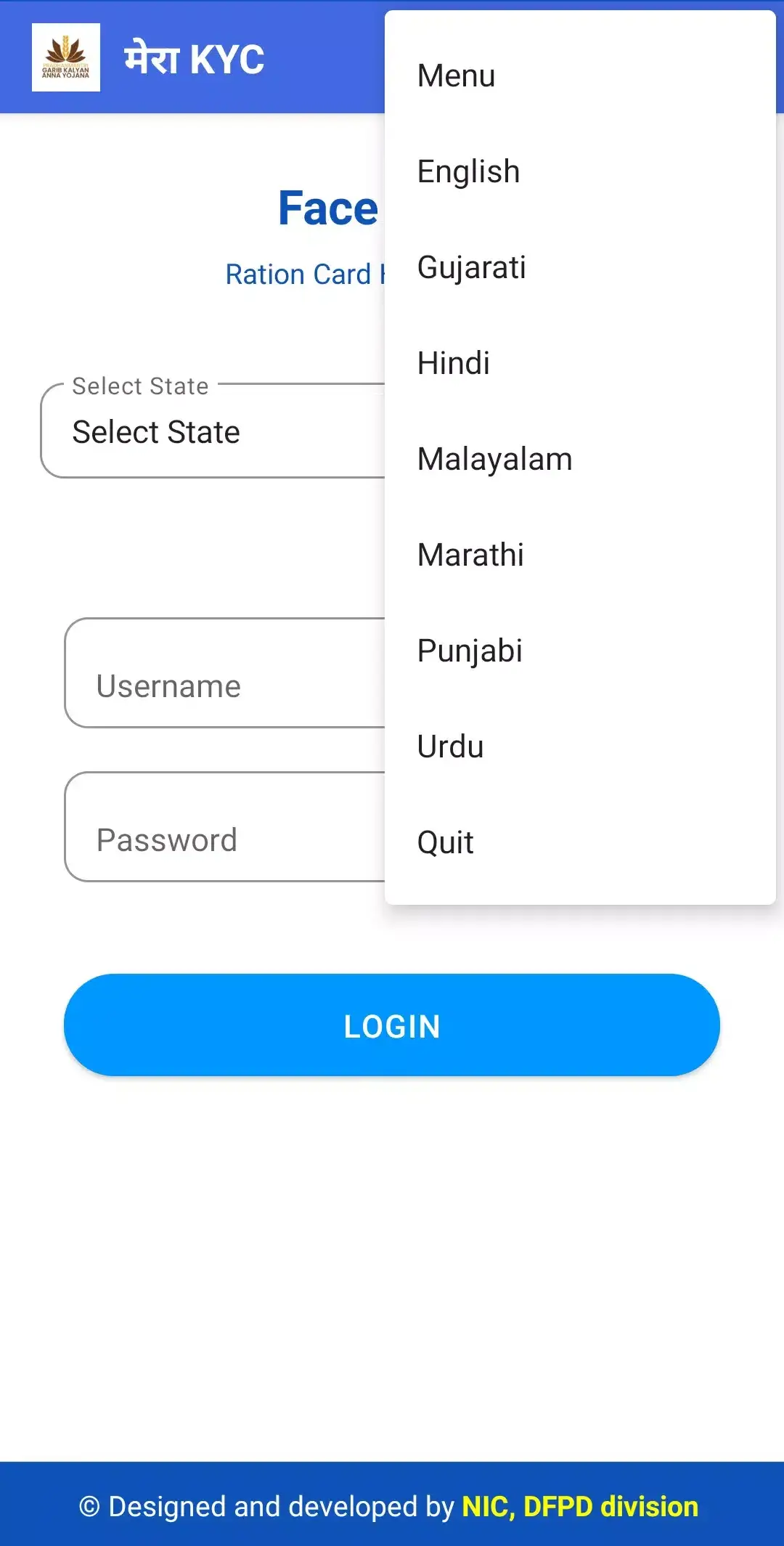

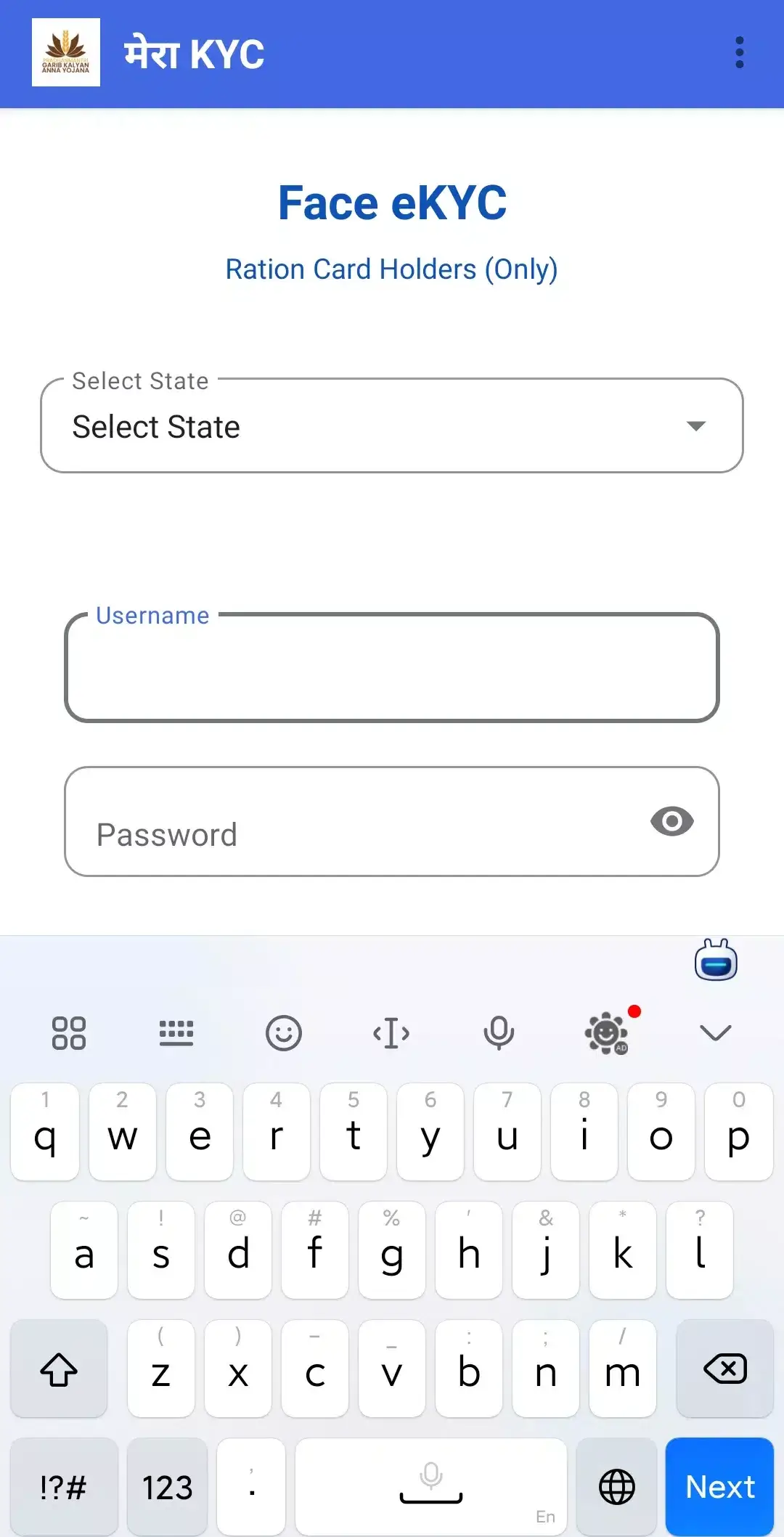

Mera Ekyc is a lightweight Android tool that lets you finish e‑KYC verification for ration card services directly from your phone. By linking your Aadhaar number with facial recognition, the app bypasses the need to visit a ration dealer or fill out paper forms.
Designed for users who need quick, on‑the‑go verification, Mera Ekyc aims to reduce waiting times and simplify the process of updating or obtaining a ration card. This page provides the latest version details, installation steps, and practical advice for safe use.
Quick Information
| App/Game Name | Mera Ekyc |
| Latest Version | 1.22 |
| Developer | Not listed |
| Category | Apps / Tools |
| App Size | 3 MB |
| Package Name | com.nic.facialauth |
| Last Updated | 8 April 2026 |
What Is Mera Ekyc?
Mera Ekyc (package com.nic.facialauth) is a government‑oriented utility that captures your Aadhaar details and performs facial verification to complete the electronic Know‑Your‑Customer (e‑KYC) workflow required for ration card services. The core features include:
- Secure Aadhaar number entry.
- On‑device face capture and matching.
- Submission of verification data to the relevant ration authority.
- Minimal storage footprint – the app is only about 3 MB.
The app is intended for Indian residents who already have an Aadhaar card and need to update or register their ration card details. It does not replace the official UIDAI apps; instead, it focuses on the specific e‑KYC step for ration services.
Compatibility
| Android Version | ✓ Verified — 5.0 and up |
| Architecture (ARM64 / 32-bit) | Not Verified |
| Internet Connection | ✓ Verified — May be required for ads, updates, or login |
| Storage Needed | Not Verified |
| OBB/Data Files | Not Verified |
| Root Required | Not Verified |
How to Install
- Enable installation from unknown sources: Settings → Security → Allow installation of apps from unknown sources (or the equivalent on newer Android versions).
- Download the Mera Ekyc APK file to your device.
- Open the downloaded file and tap Install. Follow any on‑screen prompts.
- Once installation finishes, open the app and grant the required permissions (camera, storage, and internet).
- Enter your Aadhaar number and follow the facial verification steps to complete the e‑KYC process.
Troubleshooting
- App not installed – Ensure you have allowed installations from unknown sources and that the APK is fully downloaded.
- Crashes on startup – Verify that your device runs at least Android 5.0; clear app data or reinstall if the problem persists.
- Face verification fails – Make sure the camera lens is clean, adequate lighting is present, and your face is fully visible without accessories.
- Login or Aadhaar validation errors – Double‑check that the Aadhaar number is entered correctly and that you have an active internet connection.
Safety & Security
Because Mera Ekyc handles sensitive personal data, it’s important to download the APK from a reputable source. Review the permissions the app requests; it should only need camera, internet, and storage access for its verification function. Avoid entering your Aadhaar details into apps that request unnecessary permissions or that come from unknown developers. Keep the app updated, as future releases may address security patches or compatibility changes.
How Mera Ekyc Compares
| Feature | Mera Ekyc | DigiLocker | UIDAI mAadhaar |
|---|---|---|---|
| Price / Model | Free | Free | Free |
| Platform | Android only | Android & iOS & Web | Android & iOS |
| Standout Feature | Dedicated e‑KYC for ration card services | Secure digital storage of government documents | Official Aadhaar authentication and e‑KYC |
| Best For | Ration card verification via Aadhaar | General document storage and sharing | Full Aadhaar authentication across services |
Alternatives
- DigiLocker – A government‑backed app that stores digital copies of identity documents and can be used for various e‑KYC processes.
- UIDAI mAadhaar – The official Aadhaar mobile app providing authentication, e‑KYC, and access to your demographic data.
- Aadhaar Seva – Offers a broader set of Aadhaar‑related services, including e‑KYC, address updates, and OTP generation.
Final Verdict
Mera Ekyc is a niche, free utility that streamlines the e‑KYC step for ration card services using Aadhaar and facial verification. It’s best suited for Indian users who need a quick, dedicated solution for this specific task. Ensure you download the APK from a trustworthy source, verify permissions, and keep your device’s Android version up to date. While the app simplifies the process, it does not replace official UIDAI tools, so consider those if you need broader Aadhaar functionality.
Frequently Asked Questions
The app handles sensitive Aadhaar data, so download it from a reputable source and review the permissions it requests before installing.
Mera Ekyc works on Android 5.0 (Lollipop) and newer, though newer versions provide better security and performance.
Yes, an active internet connection is required to submit the e‑KYC data to the ration authority.
No, the app relies on Aadhaar number and facial verification to complete the e‑KYC process.
This can happen if unknown‑source installation is disabled, the APK is corrupted, or your device lacks sufficient storage.
Yes, you can install the new APK over the previous one; the installer will replace the older version while keeping your data.
Root access does not affect the core functionality, but some security settings on rooted devices may block installation of unknown apps.
Updates are typically released as new APK files; check trusted sources for the latest version number (currently 1.22).